

How to make a Hotel Lobby AI video
- Choose two photos: one person for the left performer and one for the right.
- Sign in, confirm the price, then generate: review the one-time pack and the 30-credit charge before selecting Create My Video.
- Check and download: wait on the same request, view the finished video, then use Download My Clip.
The built-in template handles the scene. No reference video upload or prompt writing is needed. Open the generator · Watch the full published case.
Custom reference-video uploads and person replacement are not supported in this version.
1. Place your performers
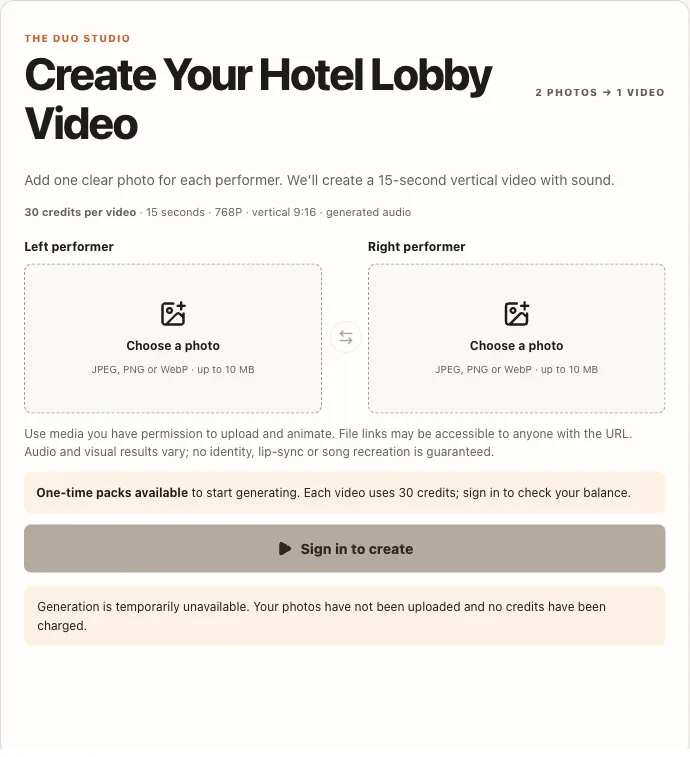
Use two separate photos you have permission to animate, not a group photo. The studio labels the left and right positions and accepts JPEG, PNG or WebP files up to 10 MB each.
Review the preview and swap sides if needed. Your photos are saved for sign-in, but check both again before generating.
2. Confirm the charge
Sign in and check current one-time pricing before buying credits. Buying a pack adds credits to your account. Sign in, upload two photos, and choose Create My Video to start a generation. The currently listed Single pack is $9.90 for one generation.
Each request uses 30 credits for a nominal 15 seconds · 768P · 9:16 video with newly generated audio. Creating another result after a completed request uses another 30 credits. Check the charge before selecting Create My Video.
Returning to an existing task to check its progress, view it or download it again does not start another generation. A network timeout or closed tab is not proof that a task failed. Return to the same request and check its status before starting another generation.
3. Wait, recover, download
Keep the request reference. The studio checks the same task while it is creating your duo; a closed tab or network timeout does not prove failure. If the provider reports failure, check the credit-return status and your balance before trying a new request.
When the result is ready, watch it and use Download My Clip. A download is offered when a video is ready. A download after a real purchase has not yet been verified; we cannot promise it without that check. No fixed finished-video storage period has been verified. Download your video promptly when available; permanent storage is not promised.
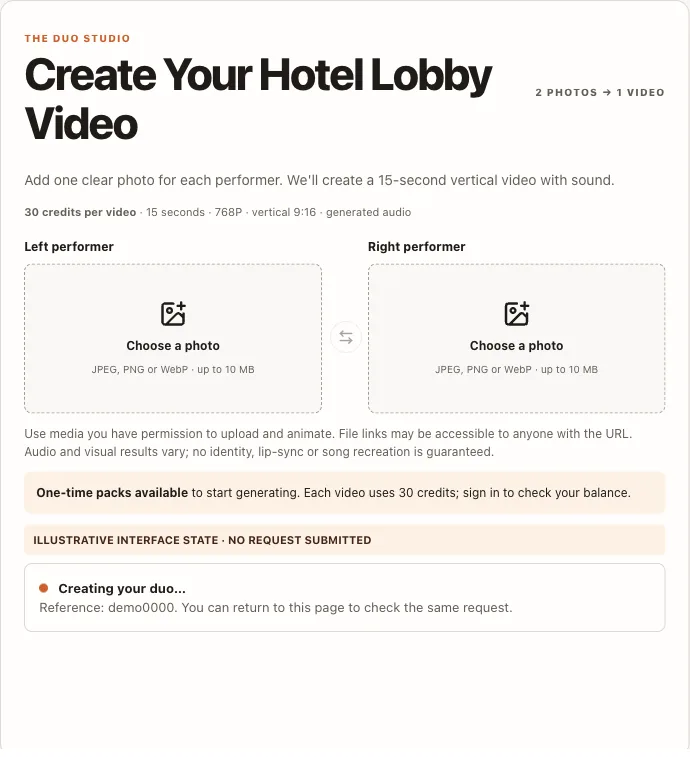
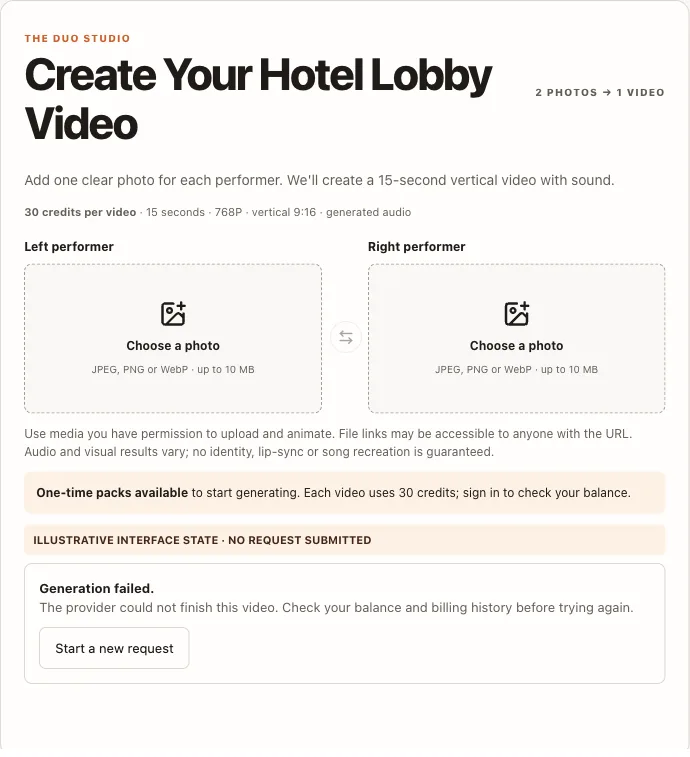
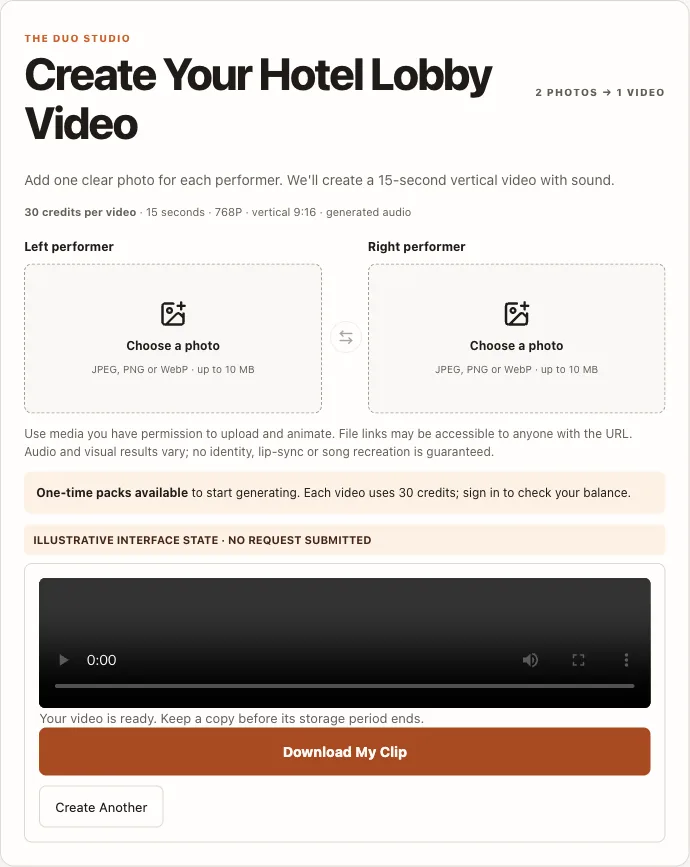
The three status screenshots are interface-state illustrations captured from this site's current UI, not proof of a completed paid session. A full start-to-download operation recording is not available yet; the published case shows the full generated film, not the creation process.
Hotel Lobby AI at a glance
Turn two photos into a vertical duo video with a built-in orange-studio template. Each generation uses 30 credits and produces a nominal 15 seconds · 768P · 9:16 video with newly generated audio.
Examples are free to watch. New accounts receive 10 welcome credits; a generation requires 30 credits. We do not currently offer a free personalized video trial.
Video generation is currently available. Sign in to check your balance before creating.
Current one-time packs: Single: $9.90 for 1 generation · Duo: $29 for 4 generations · Party: $59 for 10 generations. View packs and checkout terms.
Common questions
Can I try it for free?
Examples are free to watch. New accounts receive 10 welcome credits; a generation requires 30 credits. We do not currently offer a free personalized video trial.
Do I need a subscription?
One-time packs work without a subscription. Existing subscribers can still view billing and cancel in their dashboard.
Can I download my video?
A download is offered when a video is ready. A download after a real purchase has not yet been verified; we cannot promise it without that check.
What photos should I upload?
Two separate photos, one person on the left and one on the right. A group photo is not supported.
Do I need an account?
Yes. Sign in to upload photos for generation, use credits and access your video. You can browse the example without an account.